
Web application development for the tool your business runs on, not a website.
Applications built for daily use by people who cannot afford them to be slow, confusing or down.
Building software since 2007500+ projects delivered
Last saved 09:14
The system handles the normal case. Everything else is a spreadsheet beside it.
Three ways a web application becomes the thing people avoid.
A web application is not always the answer. Where the need is genuinely occasional and mobile-first, an app may fit better. Where a product exists that covers most of it, we will say so.
It was designed as pages, not as work
Each screen makes sense alone. The task that crosses six of them takes twenty minutes.
It slows down as the data grows
Fine in testing, unusable at real volume, and the fix is architectural rather than cosmetic.
The exceptions live in people's heads
The system handles the normal case. Everything else is a spreadsheet beside it.
What we take on.
Who works in it
- Staff
Internal operations applications
The system a team works in all day, designed around the task rather than the data model.
- Customers
Customer portals and self-service
Where giving customers direct access removes a queue on your side.
- Managers
Dashboards and decision tools
Where the product is the view of the data, covered alongside data engineering.
- Tenants
Multi-tenant and SaaS applications
Where the same application serves many organisations with separated data.
- Systems
Integrations behind the interface
Because a web application is usually the front of several systems rather than one.
- Both
Rebuilding an application that outgrew itself
Covered in depth on system modernisation.
Where this page stops. Phone-first products belong to mobile app development. Broader or non-web builds belong to custom software development.
Designing around the task, not around the screens.
The difference between an application people use and one they route around is usually structural rather than visual. These are the five checks we apply to a design before it is built.
- Dashboard
- Records
- Records > New
- Records > Edit
- Reports
- Settings
Four screens, three return trips, one job
- Open the task
- Enter what changed
- Confirm
Three steps, no return trips, same job
Count the clicks for the most common task
What good looks like
The task people do fifty times a day is the shortest path in the system
What it prevents
A design optimised for the demo rather than the day
Name the exceptions before building
What good looks like
The unusual cases have a route through the system, even a manual one
What it prevents
A spreadsheet appearing beside the application within a month
Decide what happens at real volume
What good looks like
Behaviour at ten times current data agreed before the interface is designed
What it prevents
A rebuild eighteen months in
Establish who sees what
What good looks like
Permissions modelled from real roles, not added afterwards
What it prevents
A permission system retrofitted into a finished application
Agree what offline or slow means
What good looks like
Behaviour on a bad connection defined rather than discovered
What it prevents
Users losing work and stopping trusting it
We run these before design, and the answers change what gets built. Skipping them is the most common reason a working application still gets avoided.
How a web application build runs.
Watch the work as it happens now
Including the spreadsheet beside the current system, because that is where the real requirement is.
Run the five checks on the design
Before build, because four of them are expensive to fix afterwards.
Build the most common task end to end
One complete path in real use, so the design is tested against actual behaviour early.
Add the exceptions deliberately
Each with a decided route, rather than leaving them to a workaround.
Test at the volume you expect to reach
Not at the volume you have, because that is the test that passes and then stops mattering.
Hand over with the reasoning attached
Documentation covering why the structure is as it is, which is what makes future changes safe.
Web and platform work with a published result.
The nine-year figure is the one to weigh for an application you intend to keep.
- Faster product-question response. Conscious Chemist. A customer-facing surface against the brand's own product data.
- 38%Faster product-question response. Conscious Chemist. A customer-facing surface against the brand's own product data.
- Longest running client integration, still in production. Jewellerybox commerce APIs. Web systems that stayed up.
- 9 yrsLongest running client integration, still in production. Jewellerybox commerce APIs. Web systems that stayed up.
- Building software since
- 2007Building software since
- Projects delivered
- 500+Projects delivered
- Countries served
- 6Countries served
- Client logos, approved for use
- 19Client logos, approved for use
Those describe those engagements and are not projections.
See all case studiesWhere web application builds usually start.
Relevant published case-study routes cover beauty and personal care, consumer health, fleet and workplace operations.
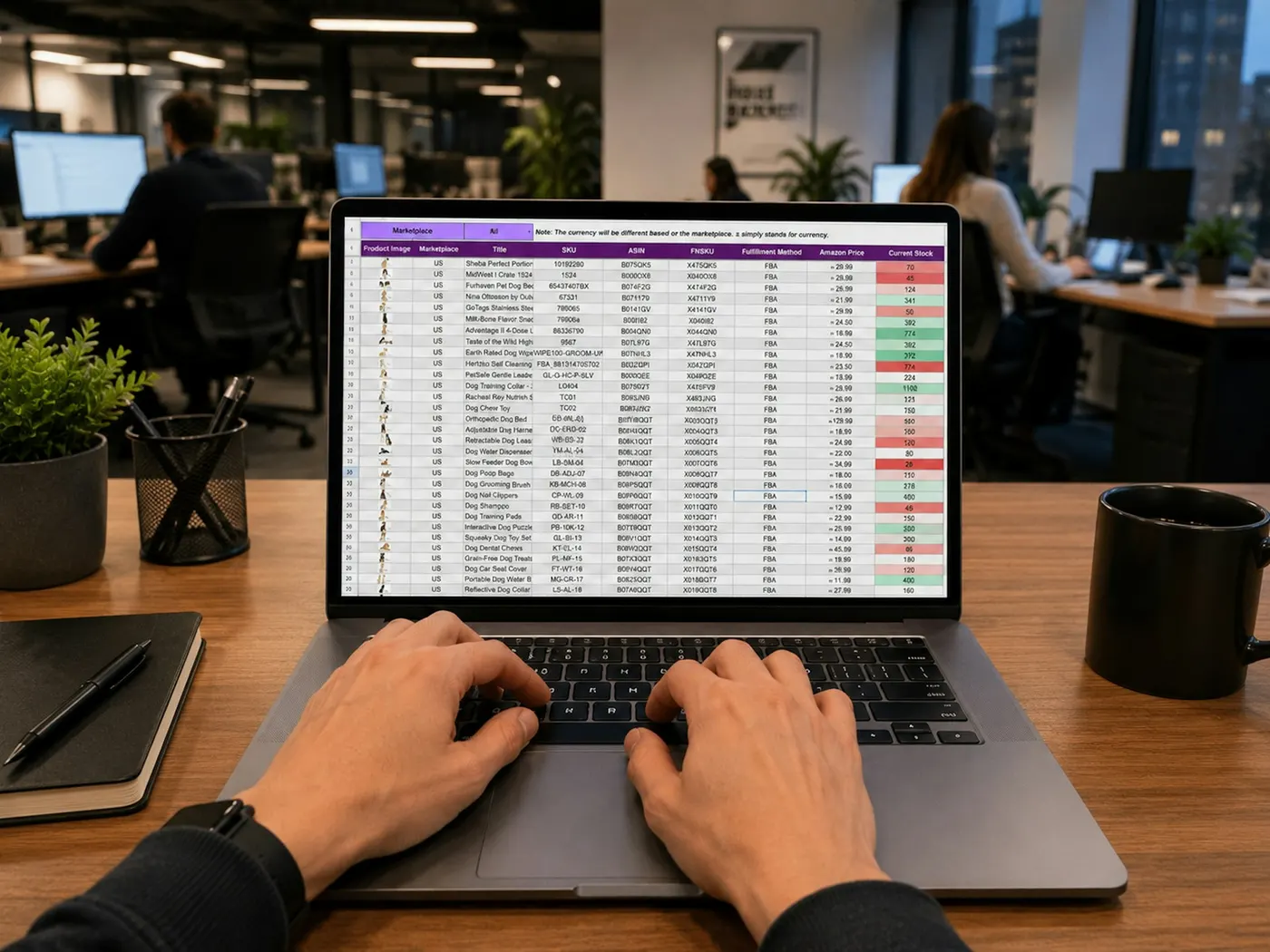
A spreadsheet running an operation
Where something critical outgrew the tool holding it and everyone knows it.
A portal customers keep phoning about
Where self-service exists but does not answer the question people actually have.
A system that slowed down
Where the application worked at launch volume and does not at current volume.
Three systems and a person in the middle
Where the integration nobody built is being performed manually every day.
What a web application costs to keep working.
We raise this at scoping because it changes what is worth building. A simpler application your team can maintain usually beats a larger one they cannot.
- Every upgrade
Dependencies age faster than the application
Frameworks and libraries need updating whether or not your product changed. Deferred, it becomes a rewrite.
- Without notice
Browsers move
What worked reliably changes under you, and the failures are usually partial rather than obvious.
- At a threshold
Volume growth is a cost event
The architecture that suited launch volume has a point at which it stops being economical.
- Every patch
Security patching is not optional
A public application is a public surface, and patch cadence is a running commitment.
How the work is staffed.
We publish no team-size claim. Nineteen years and 500+ projects are the verified figures; anything more specific belongs on the team page where it can be checked.
Senior engineers on the build
The people scoping the work are the people doing it, which is what makes an estimate mean anything.
The same people throughout
Continuity matters more than headcount, because undocumented context lives with whoever built it.
Your engineers included
Working sessions rather than a closing handover document, because ownership transferred at the end is rarely ownership.
Founder involvement on scope calls
Build-versus-buy and cut-versus-keep decisions reach someone who can make them.
What you have when the build ends.
Source in your repository
Owned and readable, with history intact.
The five checks, answered for your application
Including the volume answer, which is what future architecture decisions rest on.
Automated tests on the paths that matter
Coverage where failure costs most, not spread evenly.
Deployment and rollback documented
Runbooks written with your engineers rather than for them.
A written list of what was not built
Deferred scope with reasons.
Who we need from your side.
The people who will use it daily
Watching the current work is the single most valuable input, and it needs their time.
Someone who can decide the exceptions
Because how the unusual cases are handled is a business decision, not a technical one.
Access to the systems it must connect to
Read access early, so integration is scoped rather than assumed.
Someone who will own it afterwards
Handover is only real if there is somebody to hand to.
Performance at the volume you will actually reach.
The five checks include a volume answer. This is what acting on that answer looks like in the build.
- Degrades first
List and search views
What it looks like to a user
The screen people use most becomes the slowest as records accumulate.
Decided up front
Pagination, indexing and filter behaviour designed against the projected record count.
- Degrades first
Reports and exports
What it looks like to a user
A request that was instant blocks the interface for a minute.
Decided up front
Whether these run in the background, and what the user sees while they do.
- Degrades first
Concurrent editing
What it looks like to a user
Two people change the same record and one silently loses their work.
Decided up front
Whether the application detects the conflict, and what it does about it.
- Degrades first
Integrations under load
What it looks like to a user
A dependency slows and the whole application appears broken.
Decided up front
Timeouts, retries, and what degrades rather than fails.
These four are cheap to design for and expensive to retrofit, which is why the volume answer comes before the interface.
Whether people can actually use it.
We treat this as build quality rather than a compliance exercise, and we do not claim a conformance level we have not tested against.

Keyboard operation for high-volume tasks
People entering data all day are faster without a mouse, so building for that is a productivity decision as much as an access one.
Readable at real screen sizes
Including the older monitors and scaled displays operations teams often work on.
Errors that say what to do
A message naming the field and the fix, rather than reporting that something went wrong.
Works with assistive technology
Semantic structure and labels, which is also what makes an interface testable.
Where this work stops paying off.
Two of these four point away from building anything, which is a legitimate outcome of a scoping conversation.
- Website
A brochure site
If nobody works in it, this is website territory and the five checks do not apply.
- Not yet
A process nobody has settled
Building an application around a process still being argued about encodes the argument.
- Buy instead
A product that covers most of it
Where configuration gets you most of the way, that is usually the better spend and we will say so.
- No owner
No one to own it afterwards
An application with no internal owner becomes a dependency rather than an asset.
What teams ask before they start.
Pick a topic, or ask us directly. We answer every inbound within one business day.
Still have questions?
Talk to a senior engineer, not a bot.
Show us the spreadsheet sitting beside your current system.
That spreadsheet is usually the requirement nobody wrote down. Describe what your team does in it and we will tell you what the application actually needs to do.